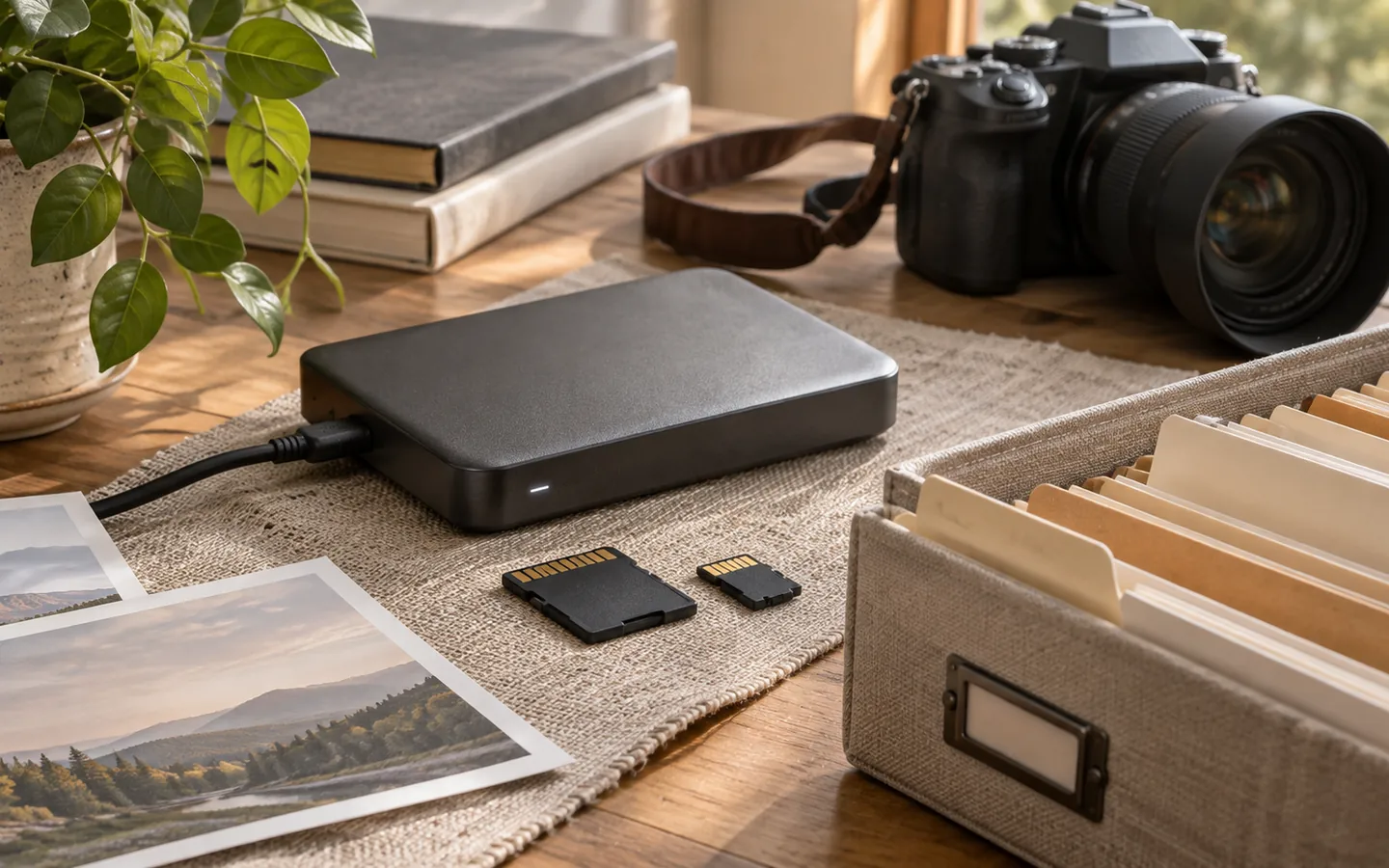
The most useful archive is not the one with the most elaborate system. It is the one you can open after a year away and still understand. For a personal collection, that usually means a small number of stable folders, descriptive names, and a written explanation of the choices you made. You should be able to find a photograph without needing the particular app that first imported it.
Start with moments, not devices
Phones, cameras, messaging apps, and scanners all create files, but those devices are rarely how we remember an event. We remember a picnic, a birthday, a quiet morning, or a long train ride. Keep an incoming folder for unprocessed files, then organize selected photographs by year and event. A folder such as 2026/2026-06-14_lakeside-weekend/ is easier to scan than a hundred unrelated camera-roll folders.
Choose one convention and keep it modest. Dates in YYYY-MM-DD order sort naturally, and short descriptive event names tell a story. You do not need to rename every camera original. It is often better to preserve the original filename inside a meaningful event folder, especially when you may later compare files against a camera card or an export.
Separate the inbox from the archive
Treat new files as arrivals, not immediately as history. An Inbox can contain duplicates, screenshots, burst sequences, and temporary edits. Review it in manageable batches. First make a safe copy of what came from the device; then remove obvious throwaways from your working selection. Resist the temptation to run bulk deletion against the only existing copy.
A small README.txt beside the collection can explain folder naming, the location of originals, and how to interpret any unusual dates. That description costs almost nothing to maintain, but it may be the most useful file to somebody who inherits your archive.
Keep the things that are difficult to recreate
Not every shot is equally important, but the ones you cannot take again deserve special care. Keep originals from meaningful events, even if a smaller JPEG is all you usually share. Save a few contextual photographs too: a street sign, an invitation, or the scene around a portrait can make a collection much more intelligible later.
For collections with missing or uncertain dates, create a folder such as undated_family-prints rather than guessing. You can add captions later without rewriting history. If several people contribute, decide whether you are preserving each contributor's original structure or consolidating them into one archive. Document the answer so future additions remain consistent.
Do a five-minute retrieval test
Pick three remembered moments and try to find their photographs without search. If you cannot, the folder names may be too generic. Next, search by filename and ask whether duplicates would confuse you. Finally, open a photo in an ordinary image viewer outside your archive software. The whole point is independence.
The Library of Congress personal photo archiving guidance similarly recommends identifying important photos, using descriptive filenames and folders, and keeping a record of the collection. A quiet, understandable structure is not glamorous, but it gives your memories a durable home.